Product Documentation
Fido Registration with iShield Key 2
The following section details how to do FIDO registration with an iShield Key 2.
- StrongKey has a website that allows you to register a Security Key that has FIDO enabled, like the Idem Key. The url is: https://demo.strongkey.com/discover/
- Connect to the website. It will take you to a login page.
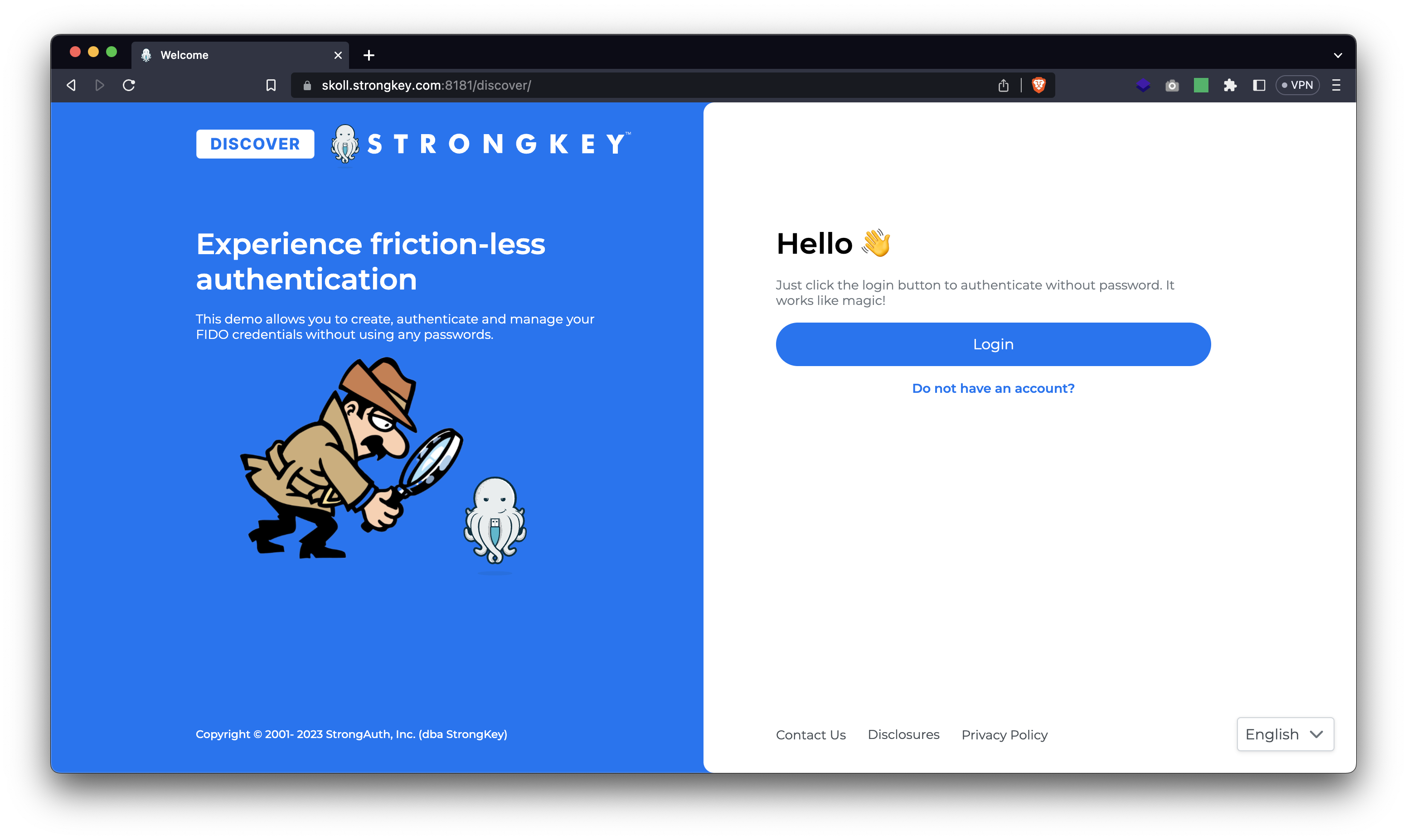
- Click on "Do not have an account?" and you will be prompted to register an account.
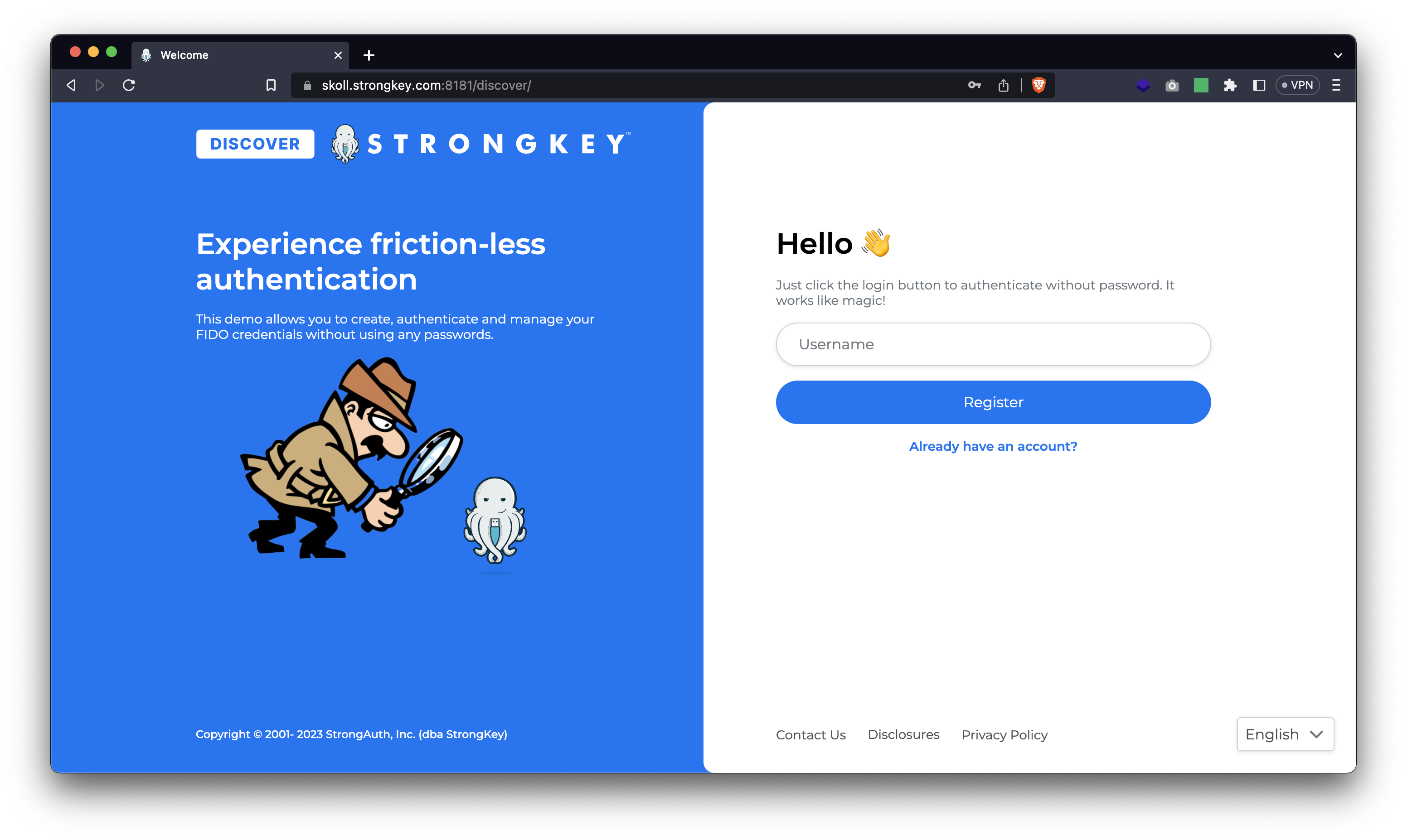
- Input a username into the prompt and click on "Register". You will be prompted to name your Security Key before you register your account. Multiple Security Keys can be registered to a single account, so having a distinct name allows you to remember which Security Key is which. Input a suitable name for the Security Key and click on "Register".
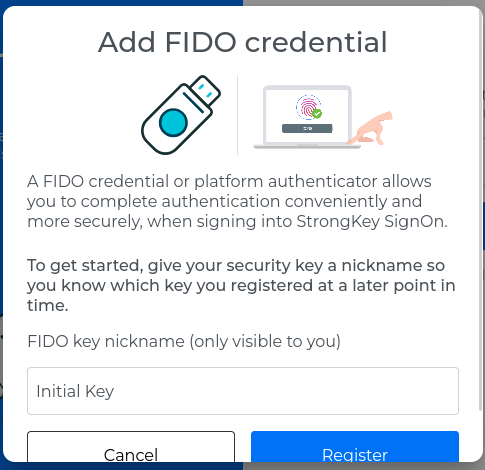
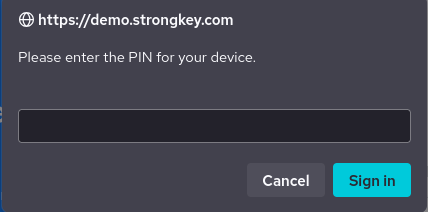
- You may be prompted to input the PIN for your Security Key if one is present.
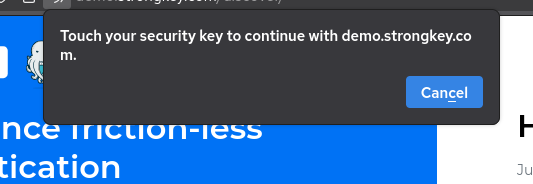
- You will be prompted to touch your Security Key
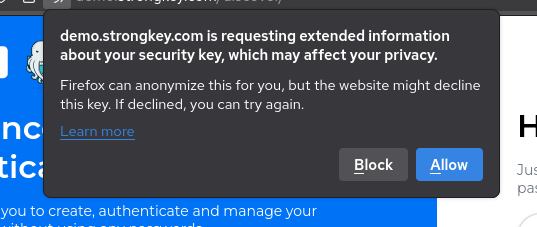
- If using a browser like Firefox, you may be prompted to confirm usage of your Security Key with the browser. Please click on "Allow".
- If the registration was successful, a message saying "Successfully registered" will appear on the screen.
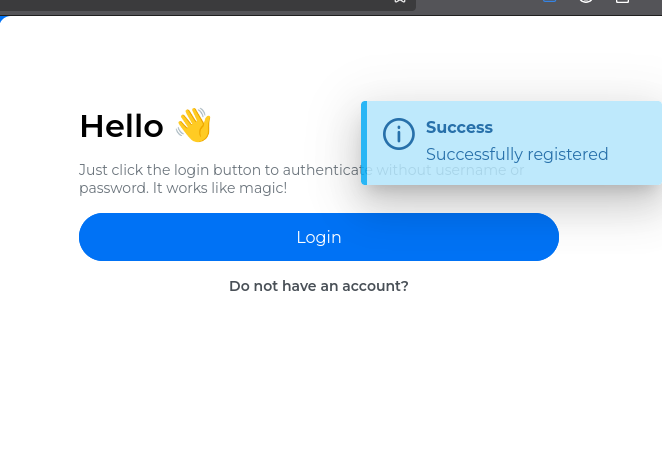
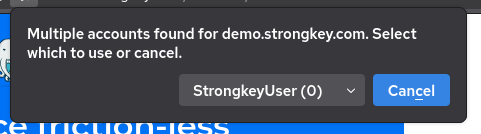
- Click on "Login" to login with your Security Key. If multiple accounts are registered using that Security Key, you may be prompted to select one of multiple users.
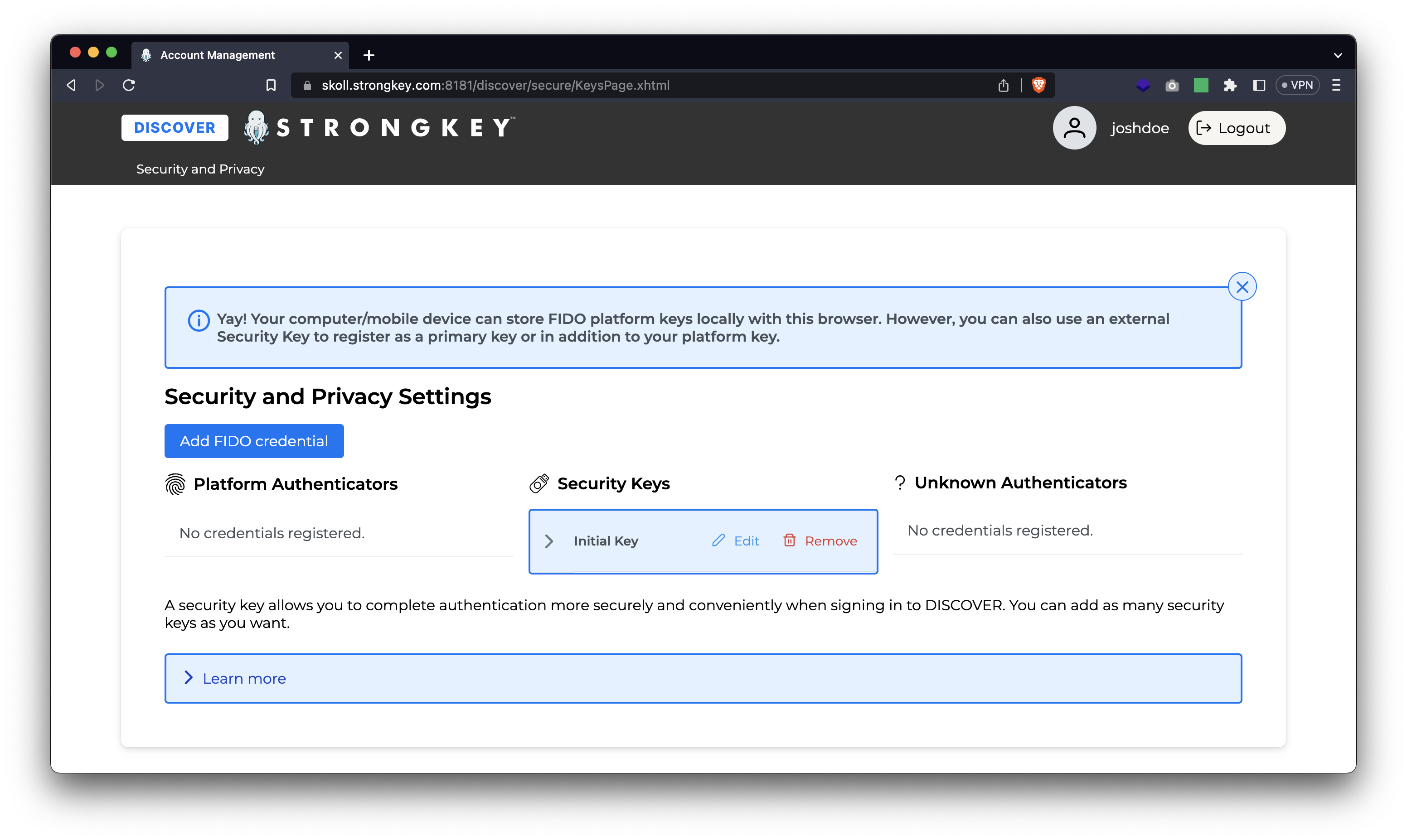
- After a successful login, you will be taken to your dashboard.