Installing the Yubico Authenticator Application
The Yubico Authenticator application is necessary to use the Yubico Yubikey 5C NFC Security Key.
A1 Prerequisites
- MacOS 13 and above
- Safari 26.0.1
- Internet connection
A2 Download Yubico Authenticator Application
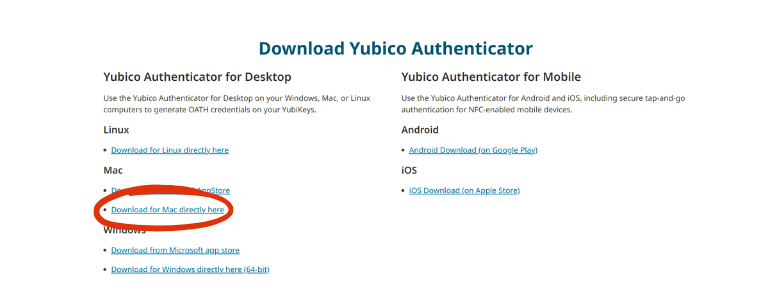
Download the Yubico Authenticator for macOS systems from https://www.yubico.com/products/yubico-authenticator/#h-download-yubico-authenticator. Click Download now.
A4 Opening the Yubico Authenticator Application File
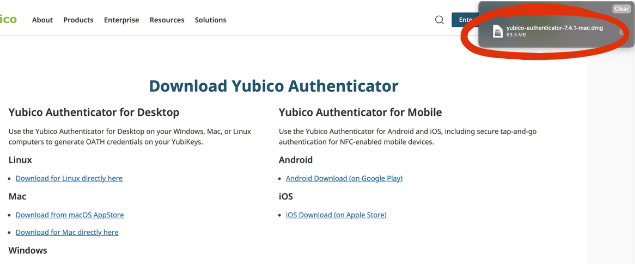
After clicking the download link, Safari will display a pop-up confirming the Authenticator application file has been successfully downloaded and ready for installation. Click the open file link.
A5 Move Authenticator App to the Applications Folder
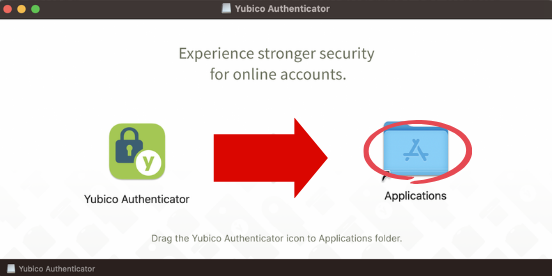
When the installer window appears, Drag the Yubico Authenticator icon to the Applications folder.
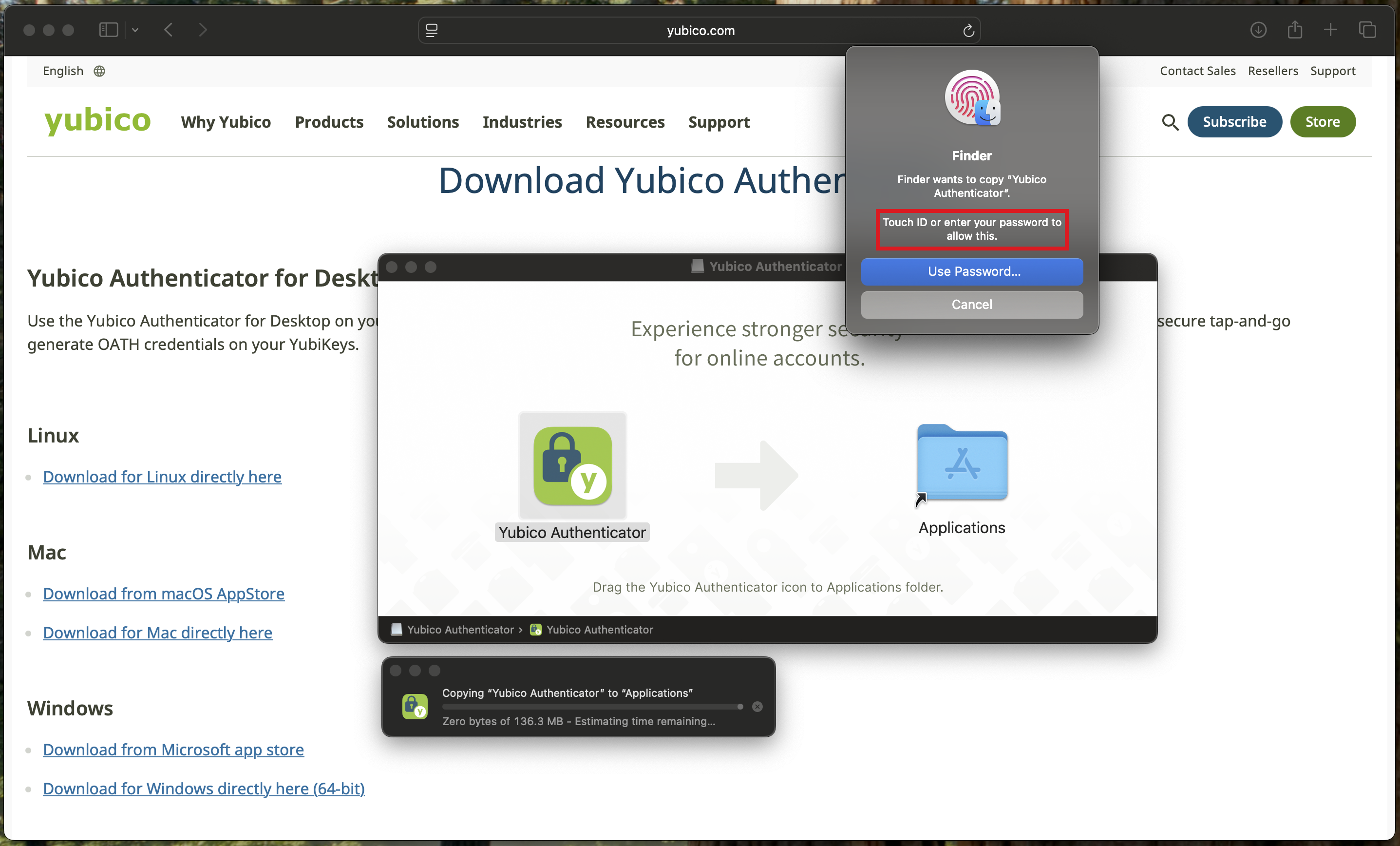
A6 Authenticate to Continue Installation
After dragging the Yubico Authenticator application to the Applications folder, macOS will prompt for TouchID or Mac Account Password to continue and complete the installation.