Installing The Swissbit Minidriver For Windows 11
This software is essential for enabling the use of a Swissbit iShield2 Security Key on your computer. Before beginning the installation process, please review the process and ensure your computer meets all prerequisites.
B1 Prerequisites
- Windows 11
- Microsoft (MS) Edge Browser, version 145.0.3800.97
- Internet connection
B2 Open the iShield Folder
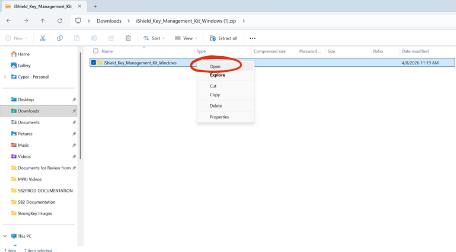
Open File Explorer and navigate to your Downloads folder and locate the iShield_Key_Management_Kit_Windows folder.
Double-click the folder to open it; or right-click and select Open from the menu.
B3 Open the Minidriver Folder
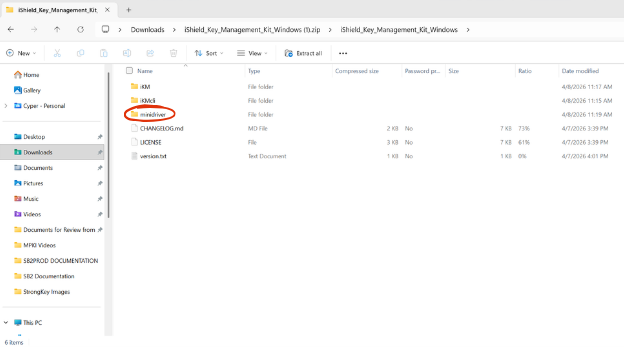
Right-click or Double-click the minidriver folder.
B4 Install the Minidriver
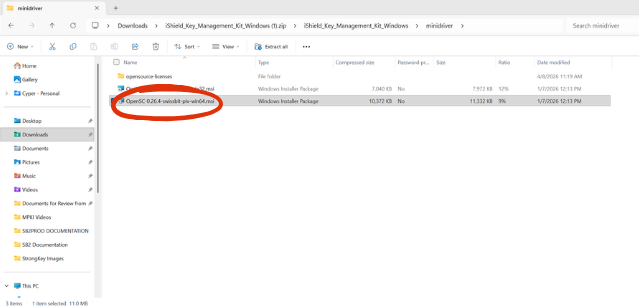
Double‑click the OpenSC “win64” minidriver. This will launch the iShield install wizard.
B5 iShield Key Setup Wizard
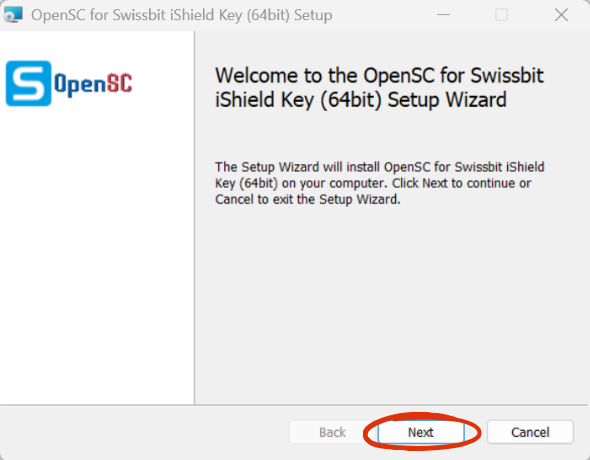
Follow the onscreen prompts. Click Next.
B6 Select Setup Type
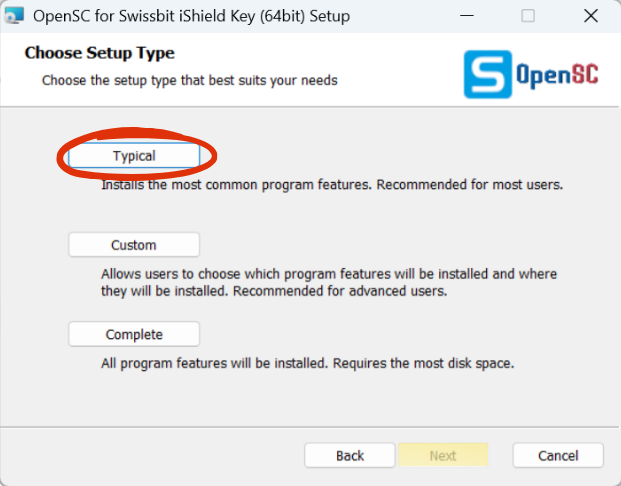
Select Typical.
B7 Install Minidriver
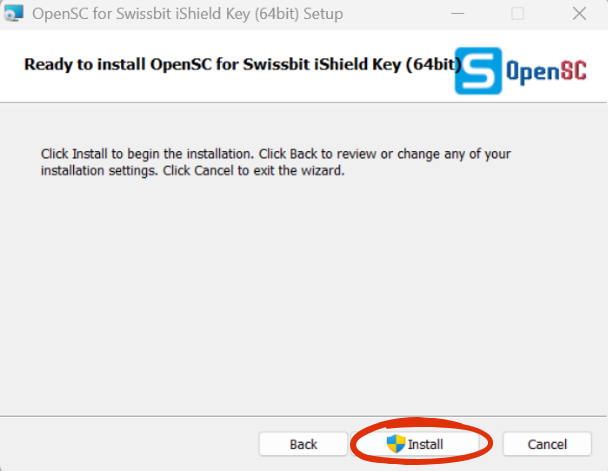
Click Install, then approve the prompt allowing the Wizard to make changes to your computer.
B8 Finish Install
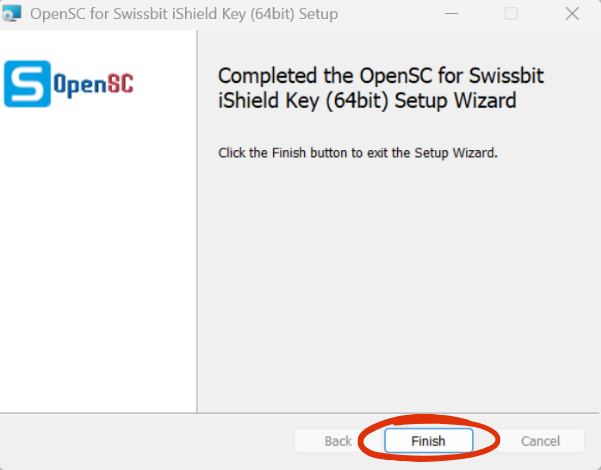
Click Finish. The Swissbit minidriver install is complete.